
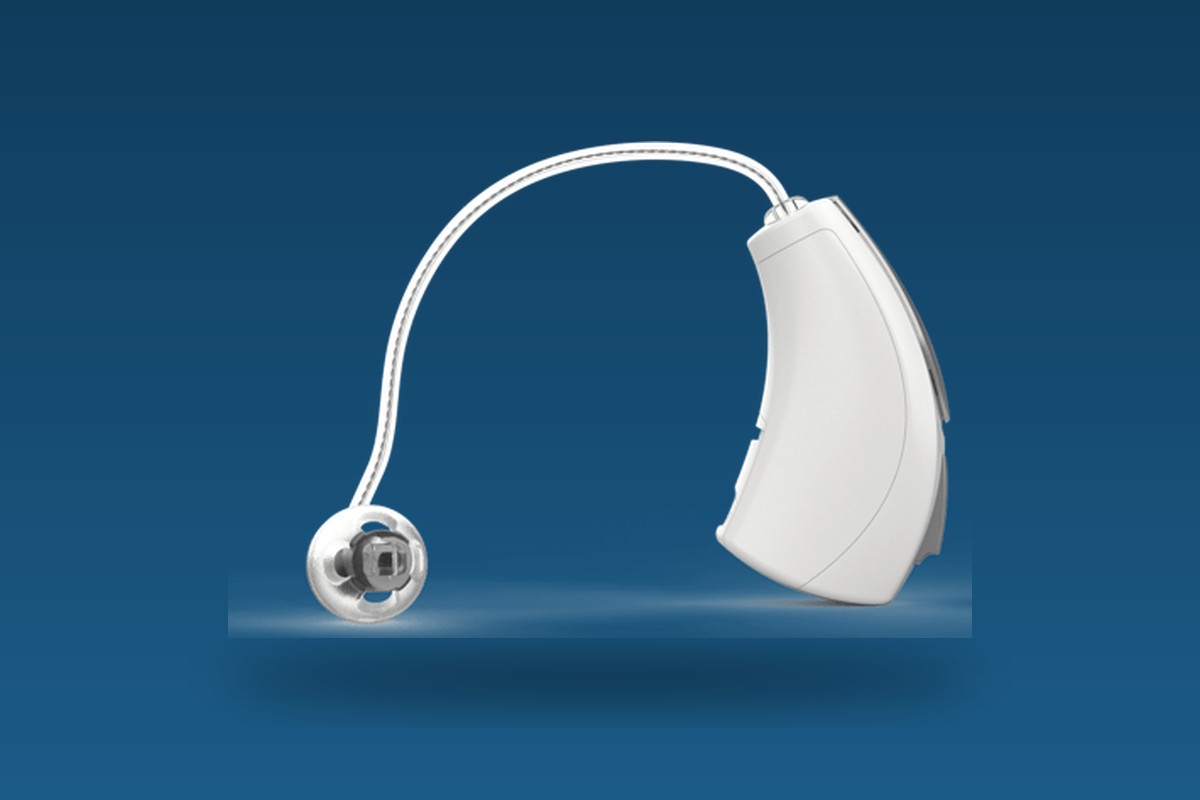
If your Livio has gone quiet, keeps beeping, or keeps dropping its Bluetooth connection, you can fix most of it at home in a few minutes. This Starkey Livio troubleshooting page covers the whole family, from the Livio 1600 up to the Livio 2400 and the Livio AI styles, and it tells you when a specialist should take over.
Our licensed specialists fit and service these hearing aids every day at Ear to Hear, so these are the same steps they use in the office.
Key Takeaways
- A silent aid usually traces back to a clogged wax guard, a weak cell, or a blocked receiver, not a failed device.
- There is no reset button. The restart is a power cycle: open the battery door, wait a moment, close it, and listen for the tone.
- The Hear Clear stick swaps a clogged wax guard in under a minute.
- If your phone shows one aid instead of two, turn both off and on to enter pairing mode, then pair them fresh.
- Whistling almost always comes from a loose dome or a blocked wax guard.
- When the home steps stop working, our professional team bench-tests the aid the same day.
Which Livio Do You Have
Livio came in several styles, and the fix changes a little with each. The micro RIC 312 and the RIC 312 run on a size 312 cell, while the BTE 13 takes a larger size 13 cell. Rechargeable styles have no door to open, so they restart when you lift them off the power base and set them back, and custom in-the-ear styles follow the RIC steps. If you are unsure which you own, the model name is printed inside the case door.
No Sound From One or Both Aids
Start with the simple causes and work in order. Hearing aids that worked yesterday and are silent today are rarely broken.
- Confirm the battery door is completely closed. A door that sits slightly open cuts the power.
- Give the hearing aid a few seconds to power on. Livio has a short power-on delay.
- Turn the volume up in case a bumped control left it low.
- Look at the wax guard for a plug of earwax.
- Swap in a fresh cell if the aid is still quiet.
If one hearing aid stays dead after all five, its receiver or wiring may need attention. That is a repair we handle in the office, and it is usually a quick one. This order is the same proven checklist our team runs first.
How to Change the Wax Guard
Starkey's RIC models use a disposable Hear Clear wax guard at the tip of the receiver. Each new guard comes on a two-ended stick: one end is empty and the other holds the guard.
- Push the empty end straight into the used guard.
- Pull straight out. Do not twist the stick.
- Turn the stick around and press the new guard firmly into place.
- Pull straight out again and throw the stick away.
Change the guard the moment your hearing aids go weak or muffled, and keep spare sticks in your case, because a blocked guard is the most common reason a Livio goes quiet. If your hearing comes back right after the swap, that guard was the whole problem.
How to Restart Your Livio
Many people search for a reset button, and there is not one. The restart is a simple power cycle that is safe to repeat whenever you need it.
The Power Cycle
Open the battery door until the cell no longer touches the contacts, wait about thirty seconds, then close the door. You should hear a tone within a few seconds as the aid powers on. If you hear nothing, fit a fresh cell and try once more. For a rechargeable model, lift the aids off the base, wait a few seconds, and set them back down.
When a Restart Fixes It
A power cycle clears a locked-up aid, most pairing trouble, and the odd behavior that follows a phone update, and it keeps the settings your specialist programmed. If the aid still misbehaves after two full cycles, the cause is physical rather than software, so move to the wax guard, then the receiver, before you blame the circuit.
Beeps and Battery Changes
Repeating beeps are a signal, not a fault. A steady beep pattern most often means the cell is low, and you have roughly half an hour of power left once the warning starts. A single beep or a short chime can also confirm a program change, so pay attention to the pattern.
Battery replacement is where most people go wrong without knowing it. Zinc-air cells are air activated, so peel the tab fully off the new cell and wait three to five minutes before you insert it. Closing the door right away on a fresh cell leads to weak power and more beeps later. Cells also fade in storage, so check the date on the pack.
If brand-new cells do not settle the beeping, the hearing aid needs our bench. Even a reliable model needs a technician now and then.
Bluetooth and the Thrive App
When Livio pairs but plays nothing, or your phone shows one aid instead of two, work the maker's own sequence first.
Put the Aids in Pairing Mode
Turn both aids off and then back on. That on-off cycle puts Livio into pairing mode: open and close the battery door on a battery model, or lift a rechargeable model off the base and set it back.
Pair With an iPhone
Open Settings, then Accessibility, then Hearing Devices, and tap your name when it appears. Approve both pairing requests, one for each aid. If your name does not appear within a few seconds, go back one screen and tap Hearing Devices again.
On an Android phone, turn Bluetooth on, open the Thrive app, and let it find the aids. Confirm they are yours when the app asks, or tap Scan for Devices if they never appear.
Restart the Phone Too
The phone causes pairing trouble as often as the aids do, so restart it and toggle Bluetooth off and back on before you blame the hearing aids. A new phone operating system can also drop the pairing, and re-pairing takes a minute.
Streaming and the TV Streamer
Livio streams calls and media straight from compatible phones, and the optional TV Streamer sends television sound to both aids. If TV sound stops arriving, read the light on the streamer: a steady blue light means the stream is paired but not started, so start it from the Thrive app, the remote, or the button on your aid. A steady green light means the cable is in the wrong jack or the television output is a format the streamer cannot read. If the sound drops in and out, move closer, since walls shorten the range.
Whistling and Everyday Care
Whistling is feedback, and the fix is almost always simple. A dome that has loosened or stiffened lets sound leak out and loop back into the microphone, so a fresh dome brings fast relief. A blocked wax guard causes the same loop, and a whistle when you chew means the fit has drifted, which a new ear tip corrects.
A few habits keep the rest quiet. Wipe each aid with a dry cloth every evening and brush around the microphone ports and the user control. Never use water, alcohol, or solvents on a hearing aid, and never poke a tool inside it. Leave the battery door open overnight, store the aids somewhere dry, and never force the door shut.
Use Self Check Before You Call
Livio AI models include Self Check inside the Thrive app, which runs a short test on each aid and reports whether the microphones and receivers are working as they should. If Self Check flags a component, the problem is hardware and the aid needs a technician. If it passes, the trouble is more likely a pairing or a setting you can fix at home.
When the Home Steps Are Not Enough
If a fresh cell, a new wax guard, and a restart do not bring the sound back, the device needs a bench test. We check the receiver, the microphones, and the circuit, and we can usually tell you the same day what failed. From there we repair it in our office, send it to a lab, or send it back to the maker, and our hearing aid repair service covers every one of those paths.
Keeping Your Livio Working
A few habits prevent most of the problems on this page. Change the wax guard before clarity suffers, and let fresh cells breathe before you insert them. Open the battery door every night, and bring both hearing aids to a yearly checkup so small issues stay small. Dependable performance comes from hearing aids that are well cared for.
A Note on the Thrive App
The Thrive Hearing Control app is the control center for Livio. It adjusts your programs, streams media, and includes a tinnitus management feature that plays soothing sounds. If the app will not connect, the cause is nearly always the Bluetooth pairing rather than the app itself, so re-pair the aids first. If it still acts strangely after a phone software upgrade, deleting and reinstalling it is safe and keeps your hearing aid settings.
Come See Us
Our Starkey hearing aids page shows what the newest models add beyond the Livio line. Schedule an appointment and bring both hearing aids to our trusted specialists, even if only one misbehaves. If you live near our Godfrey, Illinois office or another center, booking shows the closest clinic. Our experienced team repairs Livio hearing aids from across Missouri, including our Troy, Missouri office, and our online hearing test shows where your hearing stands.
Come See Us
Everything on this page is meant to get your aids working again today. When it does not, you are not stuck.
Schedule a Free Hearing TestFrequently Asked Questions
There is no reset button. Open the battery door until the cell loses contact, wait about thirty seconds, and close it again, or lift a rechargeable model off the base and set it back. You will hear a tone within a few seconds, and your programmed settings stay in place.
The usual cause is a blocked Hear Clear wax guard or a cell that finally ran down. A door left slightly open will also cut the power, so change the guard, fit a fresh cell, and close the door fully before you assume the aid failed.
A steady beep pattern is the low battery warning, and you have roughly half an hour of power left once it starts. Fit a fresh cell and let it breathe three to five minutes first. If the beeping continues, the aid needs a check.
Turn both aids off and back on so they enter pairing mode, then restart your phone and toggle Bluetooth. On iPhone, approve both pairing requests. On Android, open the Thrive app and let it find them.
References
- Livio Quick Start Guide: battery insertion, the three to five minute tab wait, low battery indicator, Hear Clear wax guard replacement, and Apple and Android pairing steps.
- Support troubleshooting tables for a dead aid, weak or distorted sound, plus TV Streamer light meanings.
- Thrive Hearing Control App User Guide for pairing mode and the on-off restart.